面向 Apple 平台的足球伴侣

一个比分应用,
两种模式:
快速扫一眼,深入读比赛。

Scorebar 先从 macOS 菜单栏里的紧凑足球入口开始,再展开成一个面向赛事、球队、球员、积分榜、世界杯对阵和预测上下文的结构化工作区。
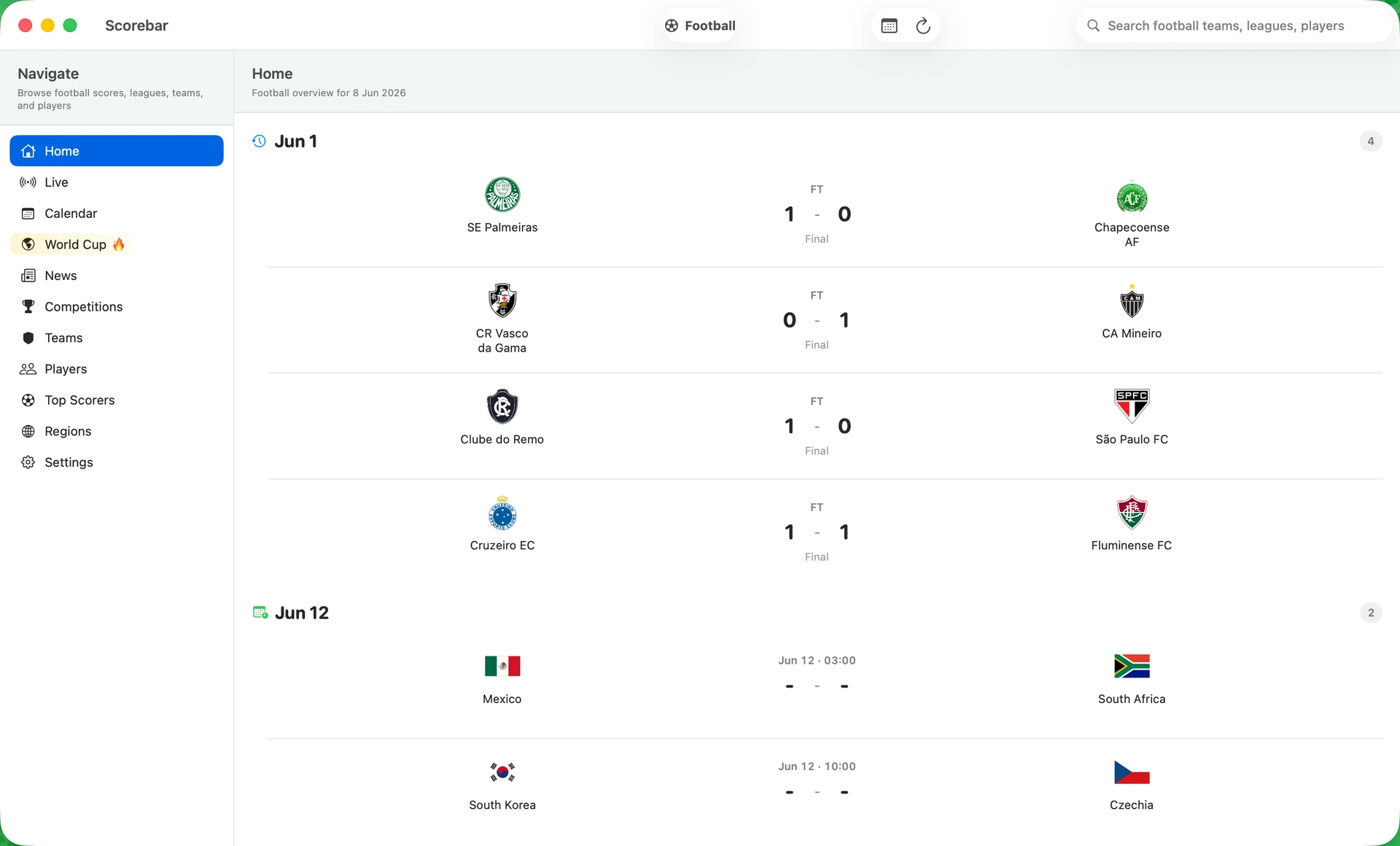
Scorebar macOS main window showing football fixtures, sidebar navigation, and match scores
产品

这个应用已经不再只是一个比分列表。

现在的产品被拆成一个快速比分界面和一个更深入的足球工作区,网站内容也按这个结构重做。

先看菜单栏

打开一个紧凑的实时面板,拿到答案后随时退出。

再进入主工作区

切到完整的 macOS 三栏界面,浏览日历、赛事、球队、球员、射手榜和世界杯。

预测必须有依据

比赛详情不只是比分,它会带上积分榜位置、路径上下文,以及在证据足够时才出现的缓存 AI 解读。

流程

完全围绕新版应用的真实流程设计。

先在菜单栏里快速看,再打开主窗口,最后把一场比赛读成一个有上下文的对象。

Main Window

Move from quick scores into a full football workspace.

Home, Live, Calendar, World Cup, teams, players, scorers, regions, and settings live in one macOS window.

Scorebar macOS main football workspace
Menubar Mode

Check upcoming fixtures without opening the full window.

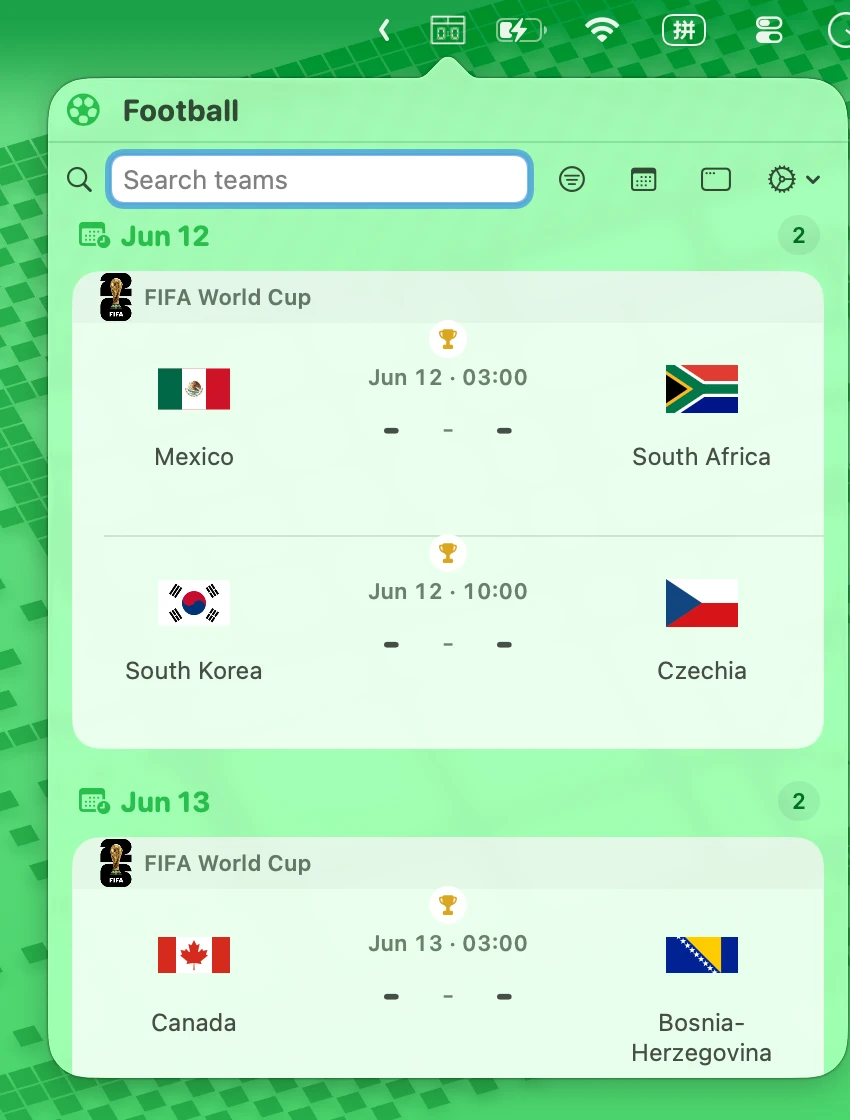
The compact macOS popover keeps tournament cards and date groups readable at a glance.

Scorebar macOS menu bar popover with football fixtures
Two Modes

Use the window when you need context. Stay in the bar when you do not.

Scorebar now has a compact glance surface and a larger desktop browsing surface for deeper football work.

Scorebar main window Scorebar menu bar popover
01

先看到比赛

菜单栏模式给你 live、today、recent、next,不必先打开大窗口。

02

再打开足球工作区

主窗口是三栏结构,用来浏览比分、赛事、球队和球员,同时不丢失上下文。

03

读比赛,而不只是看比分

积分榜、阵容、世界杯占位和预测提示,会把一场比赛变成值得打开的内容对象。

平台

macOS 负责分层浏览,iPhone 负责实时节奏。

Scorebar 不是把同一套界面硬拉到所有屏幕上。macOS 有菜单栏和三栏主窗口,iPhone 则是围绕 live、today、recent、next 的足球 feed。

  • macOS 菜单栏用于快速查看,完整主窗口用于深入分析。
  • iPhone 首页围绕 live、today、recent finished 和 next matchday 组织。
  • 两端共享同一套足球产品 API 数据契约。
Scorebar macOS menu bar popover with upcoming World Cup fixtures
macOS menubar
Scorebar macOS main window with football match list
Main football workspace
获取应用

先把它当比分工具,再因为上下文留下来。