Menubar first
Open a compact live board from the menu bar, then drop back out once you have the answer.
Scorebar는 macOS 메뉴바의 컴팩트한 축구 체크인에서 시작해, 대회, 팀, 선수, 순위표, 월드컵 브래킷, 예측 컨텍스트를 다루는 구조화된 워크스페이스로 확장됩니다.
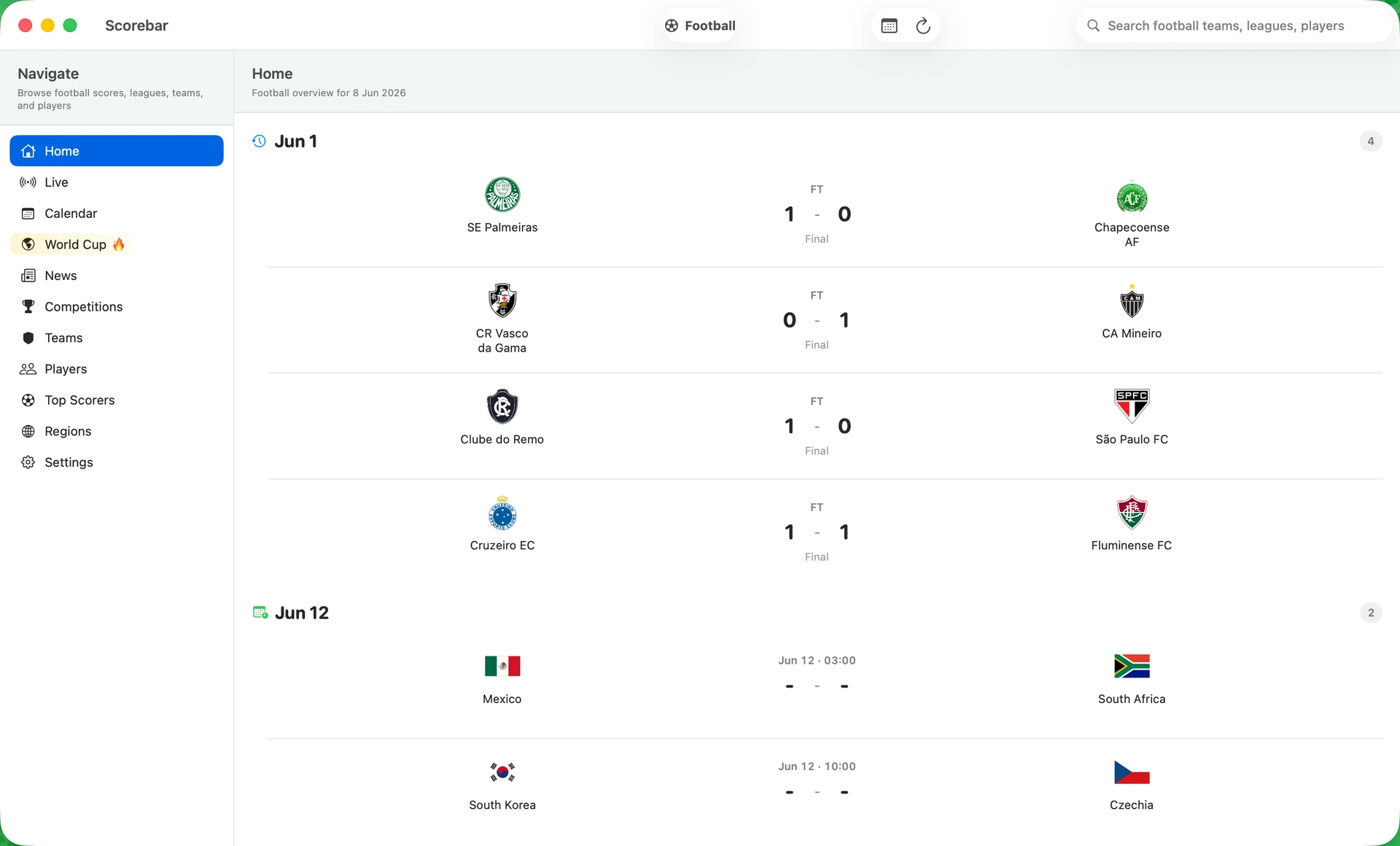
현재 제품은 빠른 점수 표면과 더 깊은 축구 워크스페이스로 나뉩니다.
Open a compact live board from the menu bar, then drop back out once you have the answer.
Switch into a full macOS workspace with calendar, competitions, teams, players, scorers, and World Cup navigation.
A match detail is more than a score line. It carries context, standings position, and a cached AI read when the app has enough evidence.
This is a football-native product flow: glance in the menu bar, open a focused workspace, then inspect one match with enough context to be useful.
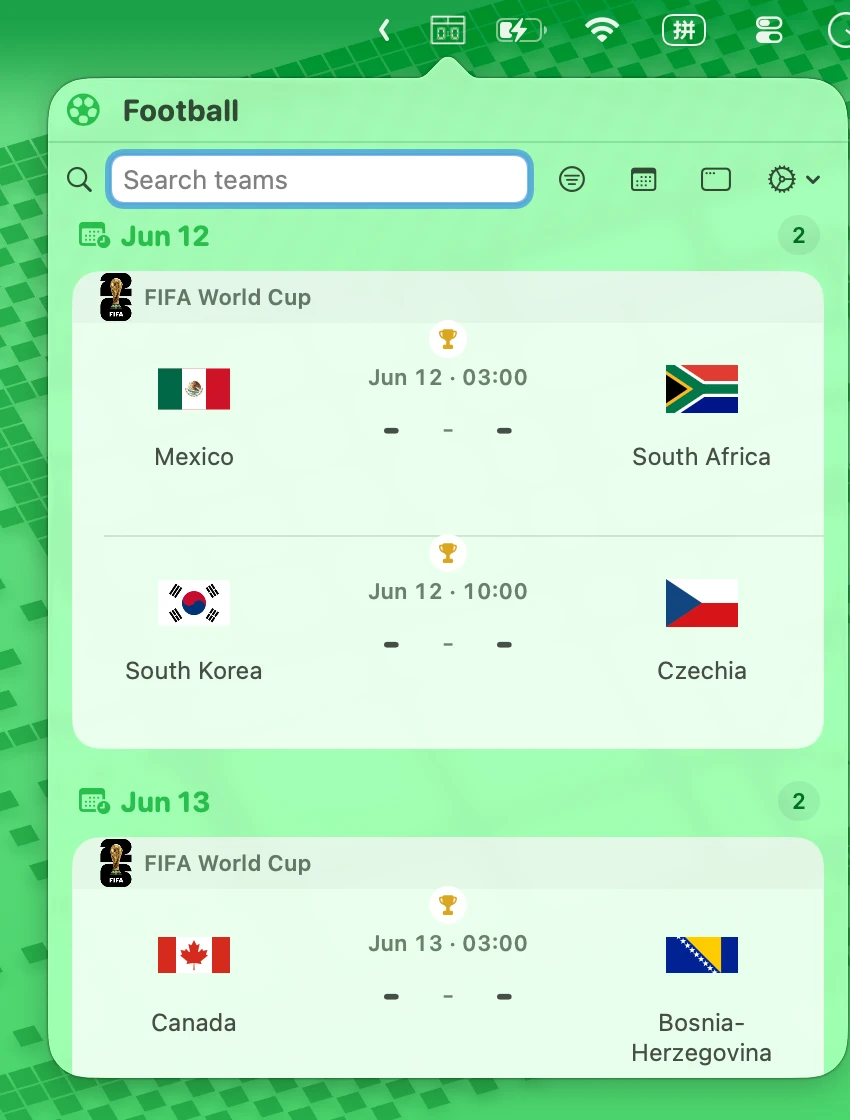
Menubar mode gives you live, today, recent, and next without opening a dashboard.
The main window is a three-column system built for browsing scores, tournaments, teams, and player data without losing context.
Standings, squad context, World Cup bracket placeholders, and prediction cues convert fixtures into something worth opening.
Scorebar is not a copied interface stretched across screens. macOS gets the menubar and a three-column main window. iPhone gets a football feed built around live, today, recent, and next.